
01
Can I run circuits here?
Yes
Visual blocks compile to CircuitOperation[] JSON, generated source, and runner requests.
QFlow StudioLive Build workspace
Work on the Bell State circuit beside its generated Qiskit. Select an operation to trace it across both views, then drag the divider to give Design or Code more room.
QFlow / workspace
Workflow studio / Public sample
Workflow / active circuit
ReadyBell State workflow
Qiskit Aer / 4,096 shots
Compatibility layer
QFlow connects the circuit record to the SDKs, formats, and provider access your team already uses.
Names and marks belong to their owners. Supported integration context, not endorsement.
01 / Run record
Store the brief, canvas, source, route, run status, trace, result, and share link together.
System of record
One circuit. One owner. Every decision attached.
06
linked stages
02
source formats
01
review URL
run record
Brief
objective + owner
Circuit
8 qubits / 24 ops
Source
Qiskit + QASM3
Runner
Aer / Cirq / qsim
Run
4,096 shots
Result
counts + trace
Version, owner, source, run state, and result move as one record.
Controlled iteration
Each cycle starts with intent, stops for a human decision, and returns evidence to the same versioned record.
02 / Security boundary
Publish read-only result pages, certificate pages, and share-safe links while credentials and working circuits remain private.
Review-ready
Counts, probabilities, source, and trace stay readable.
Share-safe
Public evidence omits provider credentials and private workflows.
Addressable
A stable result URL keeps the decision easy to revisit.
Simulator result page
4,096 shots · probabilities · CSV/JSON export
00
934
01
128
10
177
11
2857
Result page
counts, probabilities, JSON, CSV
Certificate page
issuer + completion status
Shared result
read-only public link
Private boundary
tokens stay sealed
03 / Technical depth
A circuit can move from canvas to source, runner, counts, exports, and share-safe evidence without leaving the workflow record.
31q
default cap
<=8q
statevector
off
raw Python
Can I run circuits here?
Visual blocks compile to CircuitOperation[] JSON, generated source, and runner requests.
Runner architecture
The Docker runner executes Qiskit Aer, Cirq, qsim, bounded Stim, and OpenQASM 2/3 paths behind the Next.js app.
Qubit limit
Simulator runs accept up to 31 qubits by default; larger requests are rejected before execution.
State output
Small Qiskit runs return amplitudes; larger circuits keep counts and probabilities tractable.
Runtime boundaries
Power without an ambiguous execution surface.
6 noise modes
Noise models
Starters + workbench
VQE / QAOA
IonQ / IBM Eagle / Heron
Transpile targets
Off by default
Raw Python
01 Visual blocks
Circuit JSON
02 Source
Qiskit / OpenQASM
03 Runner
FastAPI runner
04 Evidence
Counts / LaTeX / CSV
04 / AI Builder
QFlow marks the proposed gates on their qubit lanes and the matching generated source lines inside the same Build workspace. Apply and Run remain separate, explicit team decisions.
Bounded change
Two operations. Two source lines. One workflow record.
QAOA supply-chain route
workflow / qaoa-route-v3
Assistant edit · proposal 014
review2 circuit operations · 2 generated lines · measurement order and hardware route unchanged
05 / Provider status
QFlow shows credentialed device context, route fit, SDK output, OpenQASM export, and result artifacts for the same circuit. Live provider status appears after credentialed sign-in.
Route before run
Provider choice becomes a reviewable decision, not a hidden script setting.
See live integration boundaries
provider fabric
route decision
Fit, credentials, fallback, evidence.
11
provider adapters
4
simulators
1
workflow record
Access
keys + devices
Route
fit + fallback
Run
QASM + counts
IBM Quantum
Backend list, job submit, polling, and result retrieval use connected IBM access.
Public stats
Account-scoped queue and backend state stay inside the signed-in provider hub.
Local runner
Qiskit Aer, Cirq, qsim, Stim, and OpenQASM paths produce counts and evidence without provider tokens.
provider access
hardware, cloud, runtime
IBM Quantum
runtime
AWS Braket
access
Azure Quantum
cloud
IonQ
trapped ion
Rigetti
superconducting
Quantinuum
pytket
artifact layer
SDKs, code, results
Qiskit
SDK
CUDA-Q
NVIDIA hybrid
Cirq
Google circuits
OpenQASM
export
Credentials stay on the private side.
Only review-safe route context and result artifacts move into shared evidence.
06 / Who it is for
Research operations, provider rollout, and academy cohorts start from circuits, source, and simulator output instead of a blank notebook.
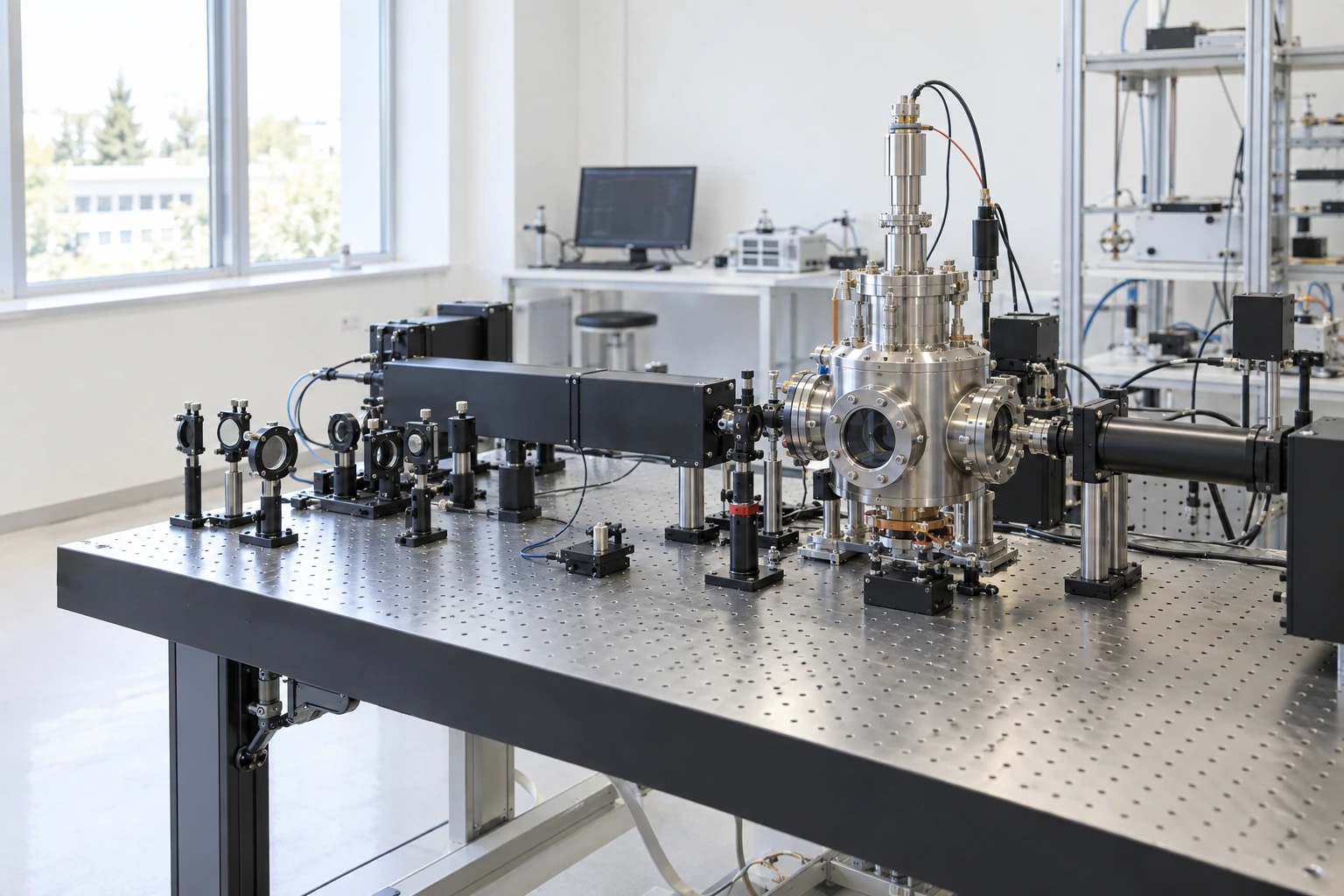
Build Bell, GHZ, QAOA, VQE, and custom circuits, then run simulator checks before hardware time.
Compare credentials, device capabilities, queue context, and routing constraints before submitting quantum jobs.
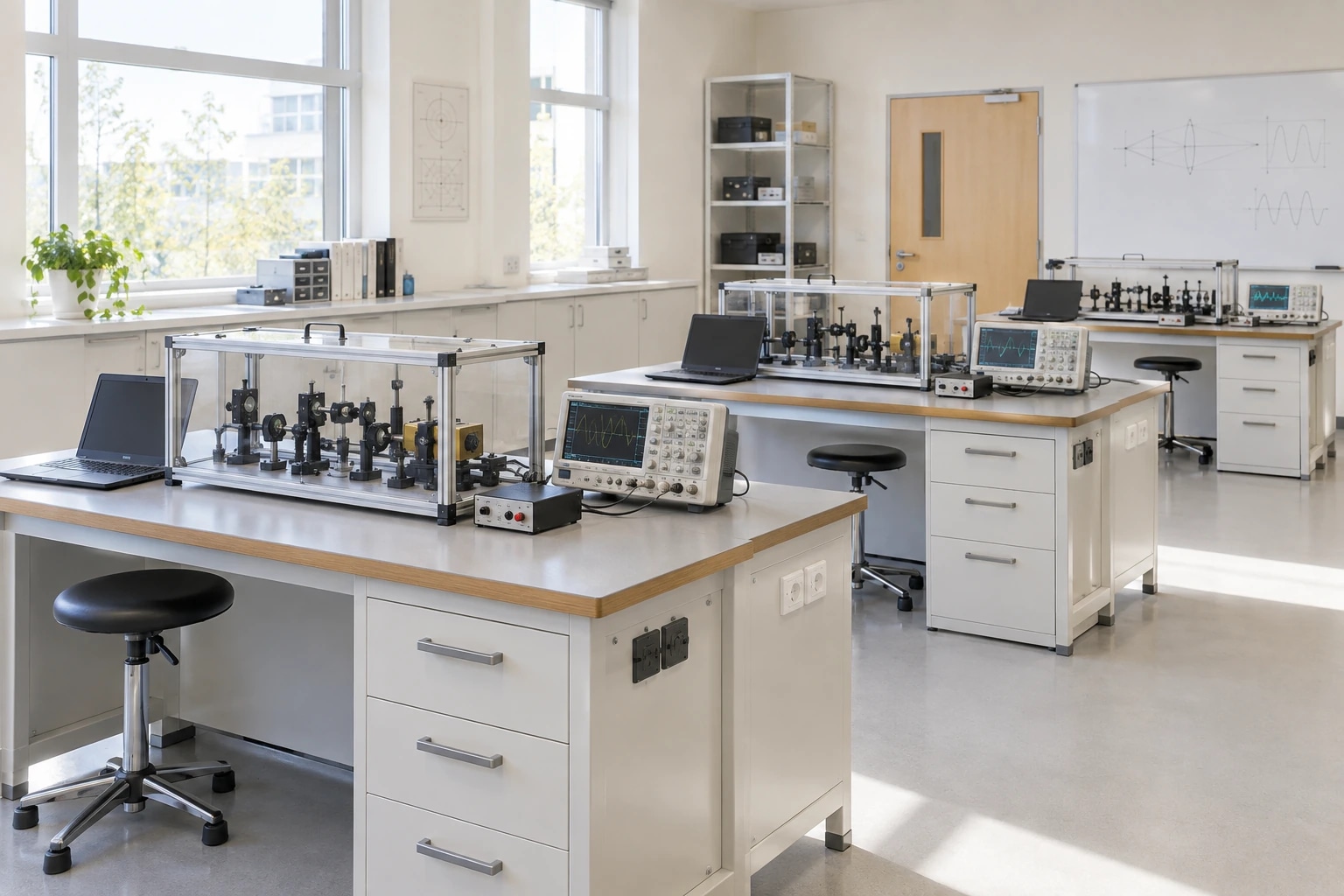
Give students runnable labs with source, counts, progress, comments, and certificates instead of passive notes.
07 / Research briefings
Source-backed briefings that connect current research to QFlow circuits, providers, algorithms, and learning flows.
01education
The scoped pilot will test how visual circuits, synchronized code, simulation evidence, and guided learning hold up in real student-team workflows.
8
sections
6
sources
5
minutes
02education
A practical SEO guide to quantum learning platforms that turn lessons, circuit practice, provider context, certificates, and review evidence into one path.
Read long analysis 03
03workflow
A source-backed guide for searchers comparing visual quantum circuit builders, Qiskit code generation, OpenQASM, provider routing, and run proof.
Read long analysisQFlow Studio / next run
Start with a public workflow, inspect the generated source, and decide when the work is ready for a real team or provider pilot.
Design
Visual circuit + parameters
Run
Simulator or scoped provider path
Review
Counts, source, trace, share link


